Primary · middle · high school
Financial education, built into your school.
A turnkey programme from primary to high school: short missions in the app, classroom workshops, tracking for teachers and reports for families.
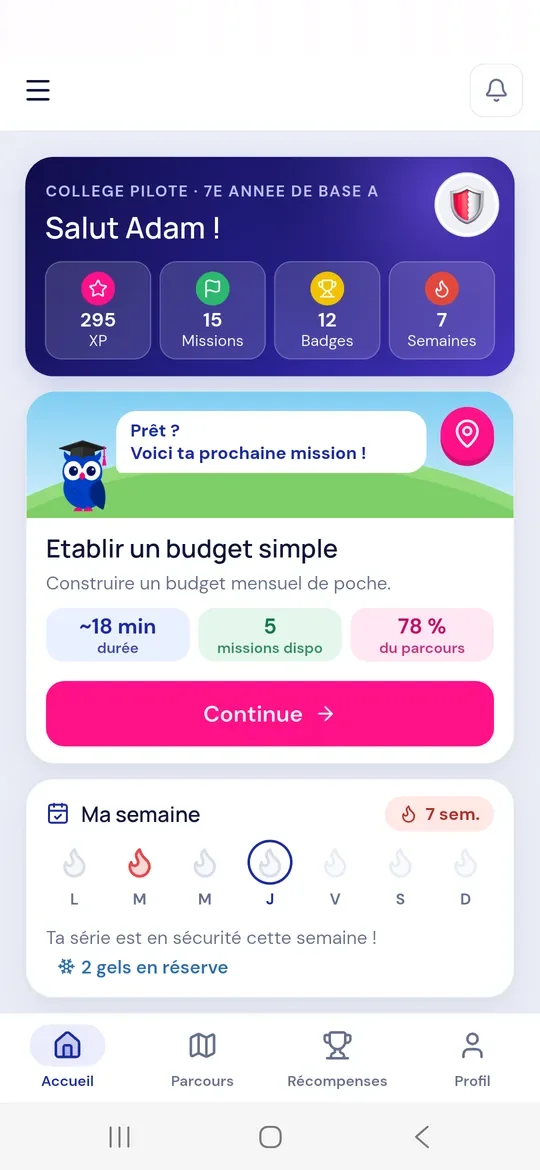
- DashboardFor teachers
- FlexooBuilt-in AI tutor
- Verifiable certificateFor every completed path
- Gamified appBadges, cards and XP
The levels
A path for every level.
Content follows the students’ level, from primary to high school.
Primary school
Discovering money through stories and short games.
- Needs and wants
- Recognising coins and notes
- Saving up for a project
Middle school
Managing pocket money and a first budget.
- The weekly budget
- Saving wisely
- Comparing before buying
High school
Getting ready for independence: payments, income and projects.
- Payment account
- Income and expenses
- Avoiding online payment traps
Classroom workshops
Workshops and simulations to learn how to manage money.
Alongside the app, our experts run workshops in your school: students manage a fictional budget and experience real situations.
-
Simulation 1 (example)
Pocket money
Each student receives a fictional budget for the week and has to choose: spend, compare, or save for a project.
-
Simulation 2 (example)
The first salary
Each student receives a fictional salary and has to make it last the whole month: phone, outings, transport and a project to fund.
-
Simulation 3 (example)
Paying: in cash, by card, with a wallet, with a phone
Students pay for a fictional purchase in cash, by card, then by mobile or online payment, and compare each option.
Format 1
One-off workshop
A session on a specific topic, to launch the programme, mark a highlight of the year or meet the needs of a class.
Format 2
Semester or year-long programme
A cycle of regular workshops that follows students’ progress in the app, from the first budget to digital payments.
-
Led by our experts
On request, our financial education experts come to your school and work with your teaching team.
Prevention programme
Paying online without falling into the traps.
A programme that teaches students to spot scams before paying, on a website, in a game or on a phone.
-
Fake sites and fake sellersRecognising a suspicious address, an offer too good to be true, a seller who cannot be traced.
-
Phishing messages and linksParcel on hold, account suspended, unexpected prize: never click in a hurry.
-
In-app purchases and hidden subscriptionsGames, apps, free trials: knowing what you are agreeing to pay.
-
Codes and data to protectCard PIN, password, code received by text: these are never shared.
Text message · unknown number
Your parcel is on hold. Pay a 2.50 DT fee before tonight: livraison-colis-tn.info/payer
Pay now- Unknown sender
- Urgency
- Suspicious link
Students learn to spot the three warning signs before clicking.
The student experience
A gamified app designed with young people, for young people.
Missions that take a few minutes, visible progress, lasting motivation.
-
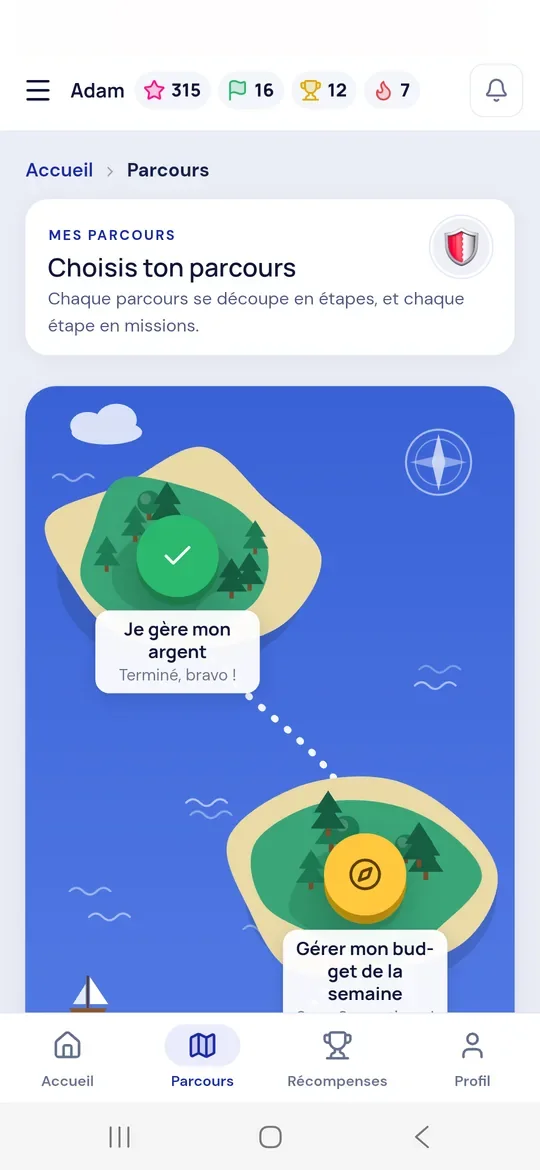
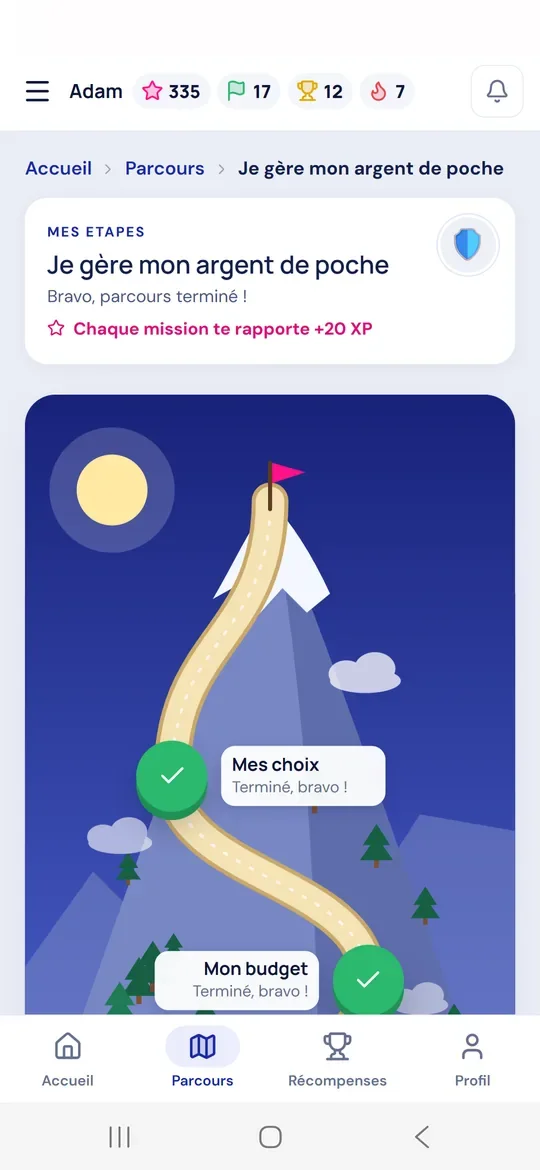
The island journey
A map to explore, then a mountain to climb.
-
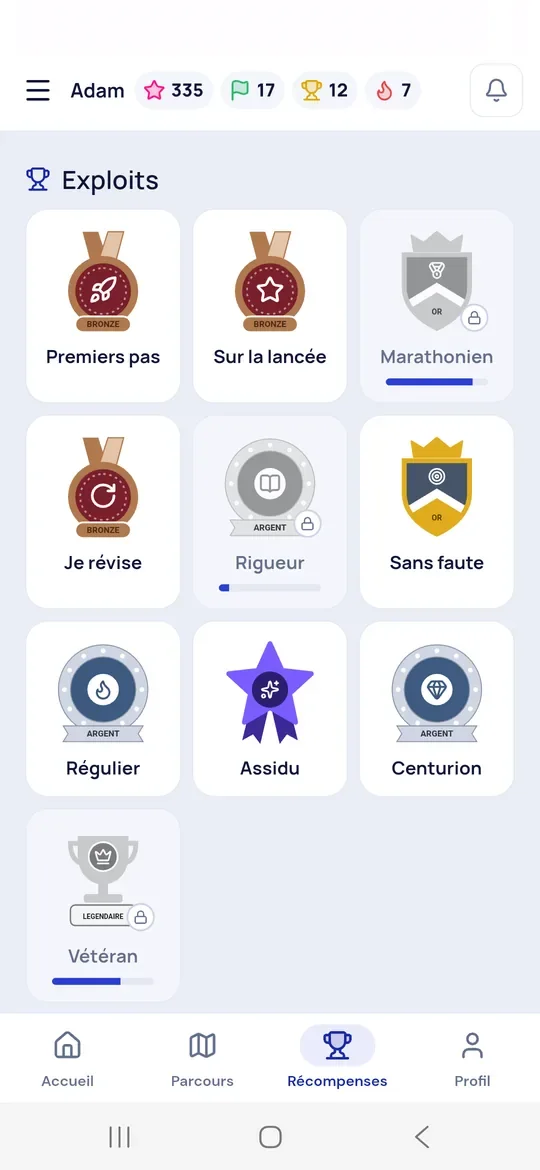
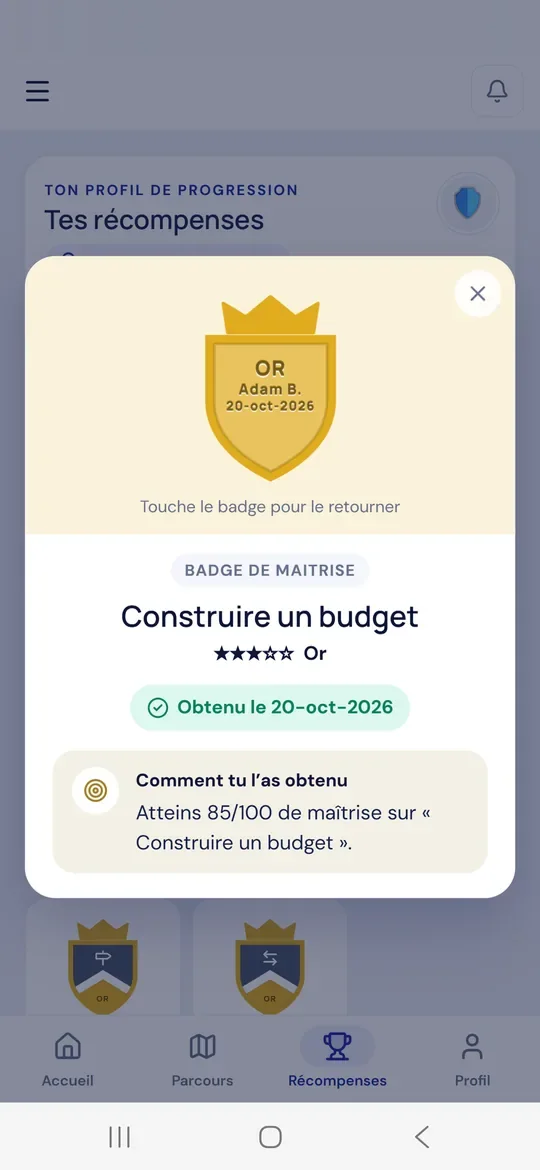
Badges and achievements
Each badge shows how it was earned.
-
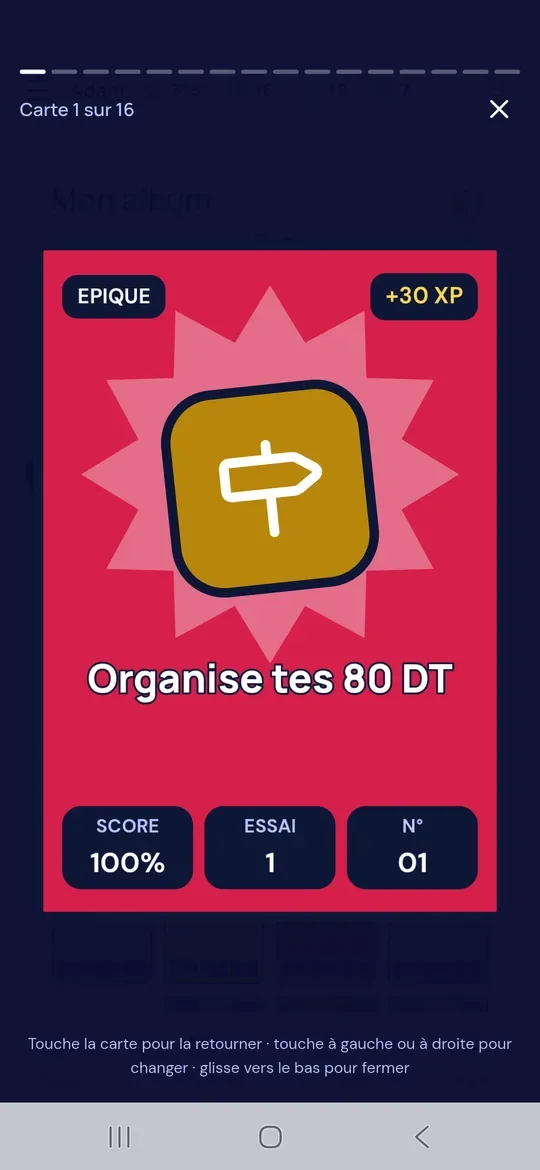
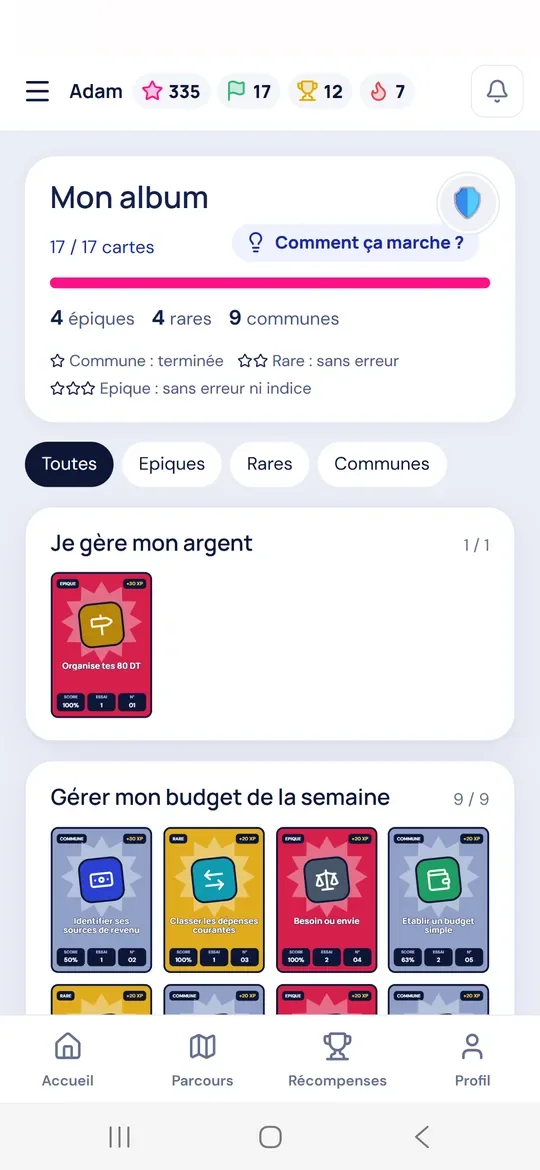
Collectible cards
A card earned for every completed mission.
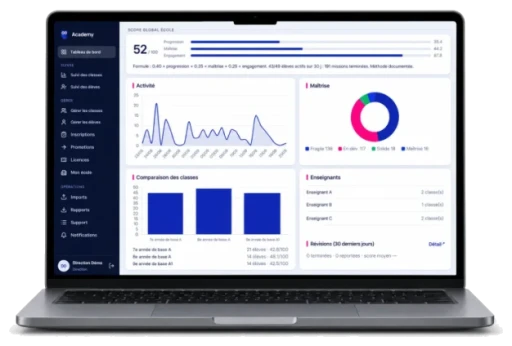
Teachers and management
Tracking, with no extra workload.
- Progress by class and by student, skill by skill
- PDF reports to share with families
- Classes and students managed by teachers
- Licences and classes managed by the school’s management
Trust
Student data, protected.
The platform is designed for schools: the strict minimum, and nothing else.
-
Data kept to a minimum
Only the information needed for educational tracking is kept, for a defined retention period.
-
Flexoo without personal data
The built-in tutor receives no personal student data.
-
No advertising
No advertising, no data resale, no third-party tracking tools.
Getting started
Rolled out in three steps.
From registering the school to the first report, with no installation or special equipment.
-
School registration
Classes and student accounts created from your lists.
-
Classroom launch
First missions and first workshop, with a guide for teachers.
-
Tracking and reports
Skills, certificates and PDF reports throughout the year.
Frequently asked questions
What schools ask us.
Another question? The team answers during the demonstration.
Do we need to install anything?
No: the platform runs in the browser, and the app is available on Android and iOS.
How much time per week?
A mission takes a few minutes; the school sets the pace, in class or at home.
Are families kept informed?
Yes: a PDF report for each student can be shared with families.
How do the workshops work?
They are optional. At the school’s request, our experts run simulations in class, as a one-off workshop or a semester or year-long programme, together with your teaching team.

Equip your classes this year.
Discover the platform in a 30-minute demo and try it with your teaching team.